exc
The everything menu for your terminal.
One TOML file of commands, profiles, and parameters — served through a searchable, keyboard-driven picker with a live host-info header. Written in Rust; installs as a single binary named exc.
cargo install exc-launcher github
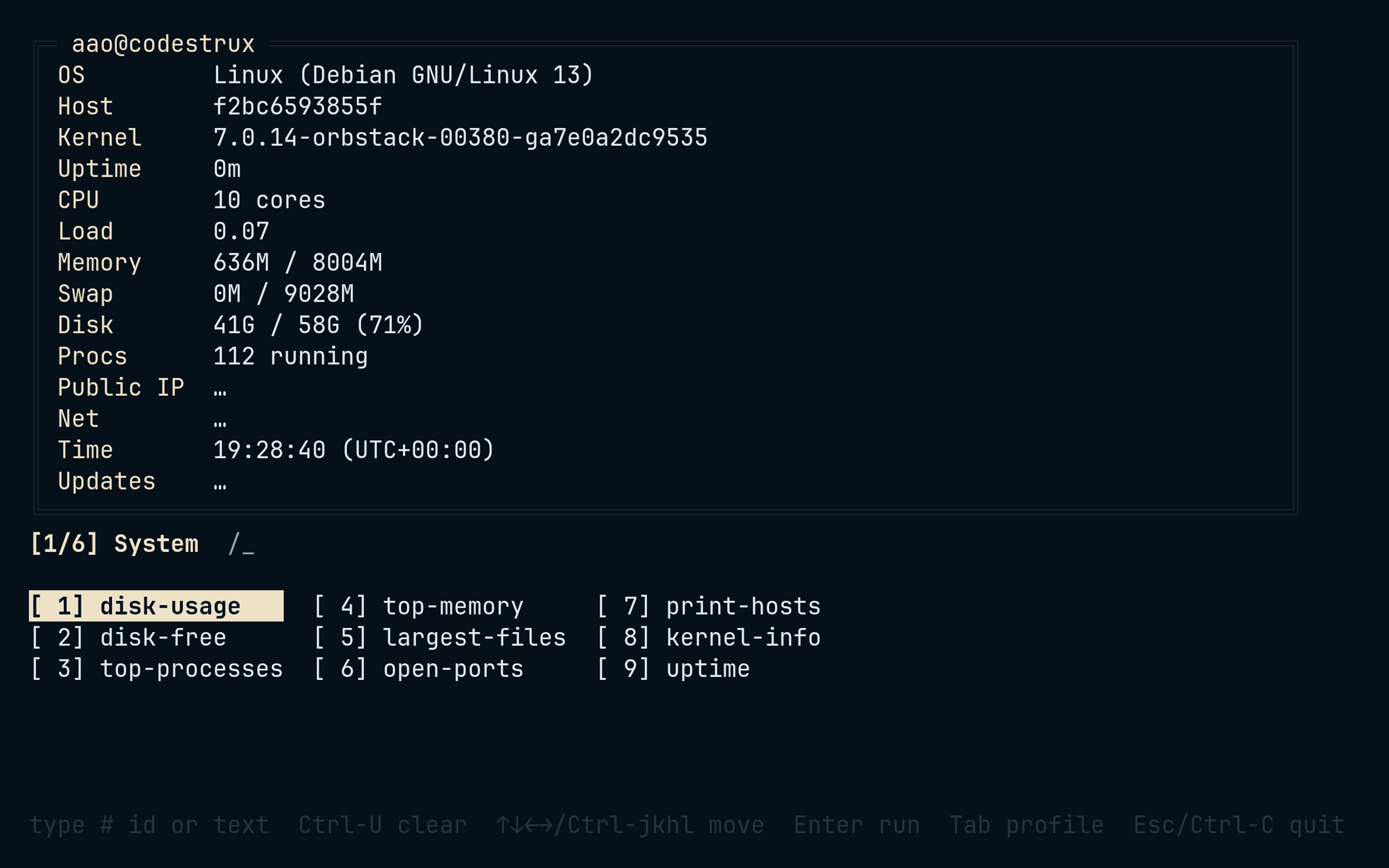
$ exc
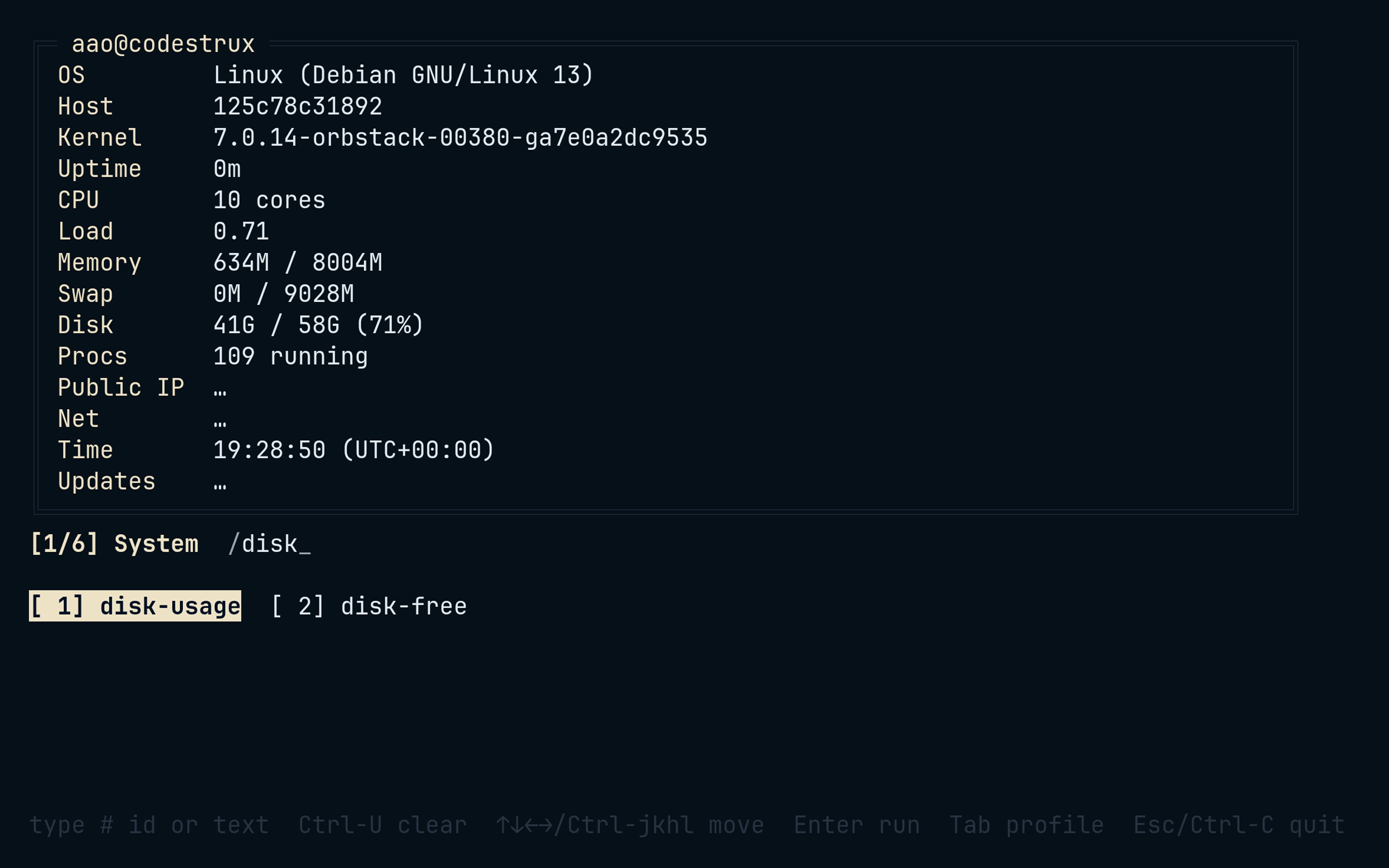
Type to filter — a live regex with substring fallback — over a column-major numbered grid, laid out like ls. Type a number to jump straight to item N; the prompt glyph flips to # while you do.
- Enter run · Esc quit
- Tab / Shift-Tab switch profile
- Ctrl-H Ctrl-J Ctrl-K Ctrl-L move — vim chords; bare letters stay filter input, the same trade-off fzf makes
$ exc init
Everything lives in ~/.config/exc/config.toml: profiles group commands, and {{param}} placeholders prompt at run time — with defaults, and secret = true for masked input. Commands run through sh -c with inherited stdio, so ssh, fzf, and sudo behave; project-local configs load with --config.
[[profiles]]
name = "network"
label = "Network"

  [[profiles.commands]]
  name = "cert-check"
  description = "Check the TLS certificate for a domain"
  command = "openssl s_client -connect {{domain}}:443"

    [[profiles.commands.params]]
    name = "domain"
    prompt = "Domain to check"
    secret = false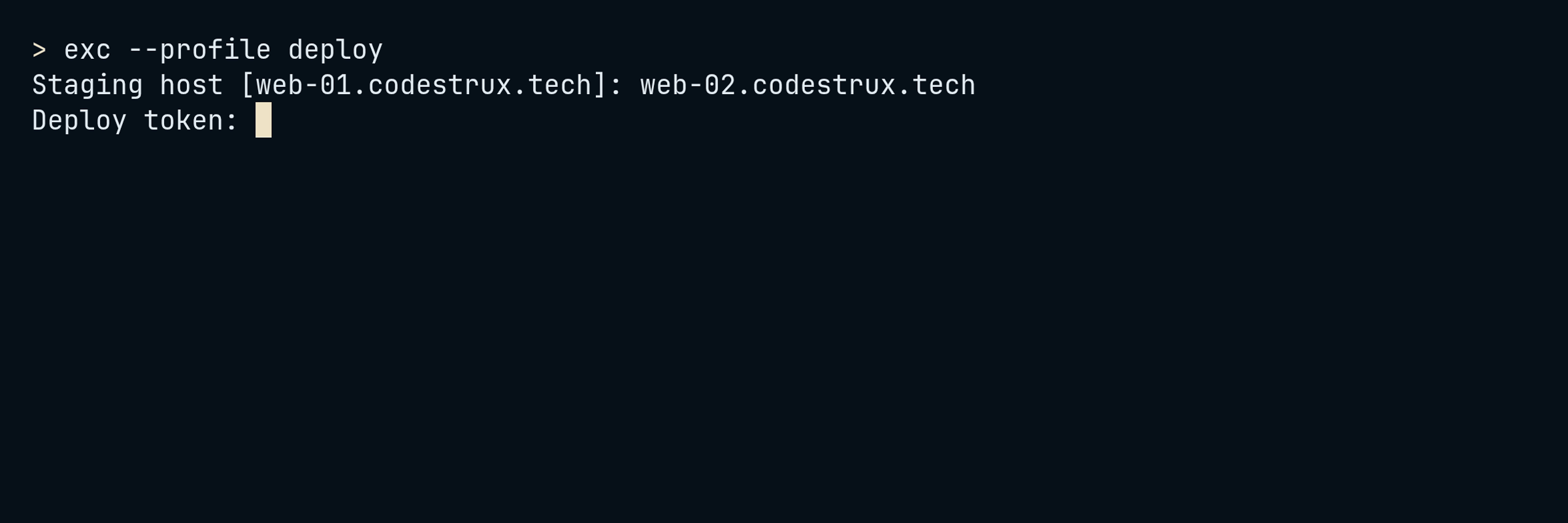
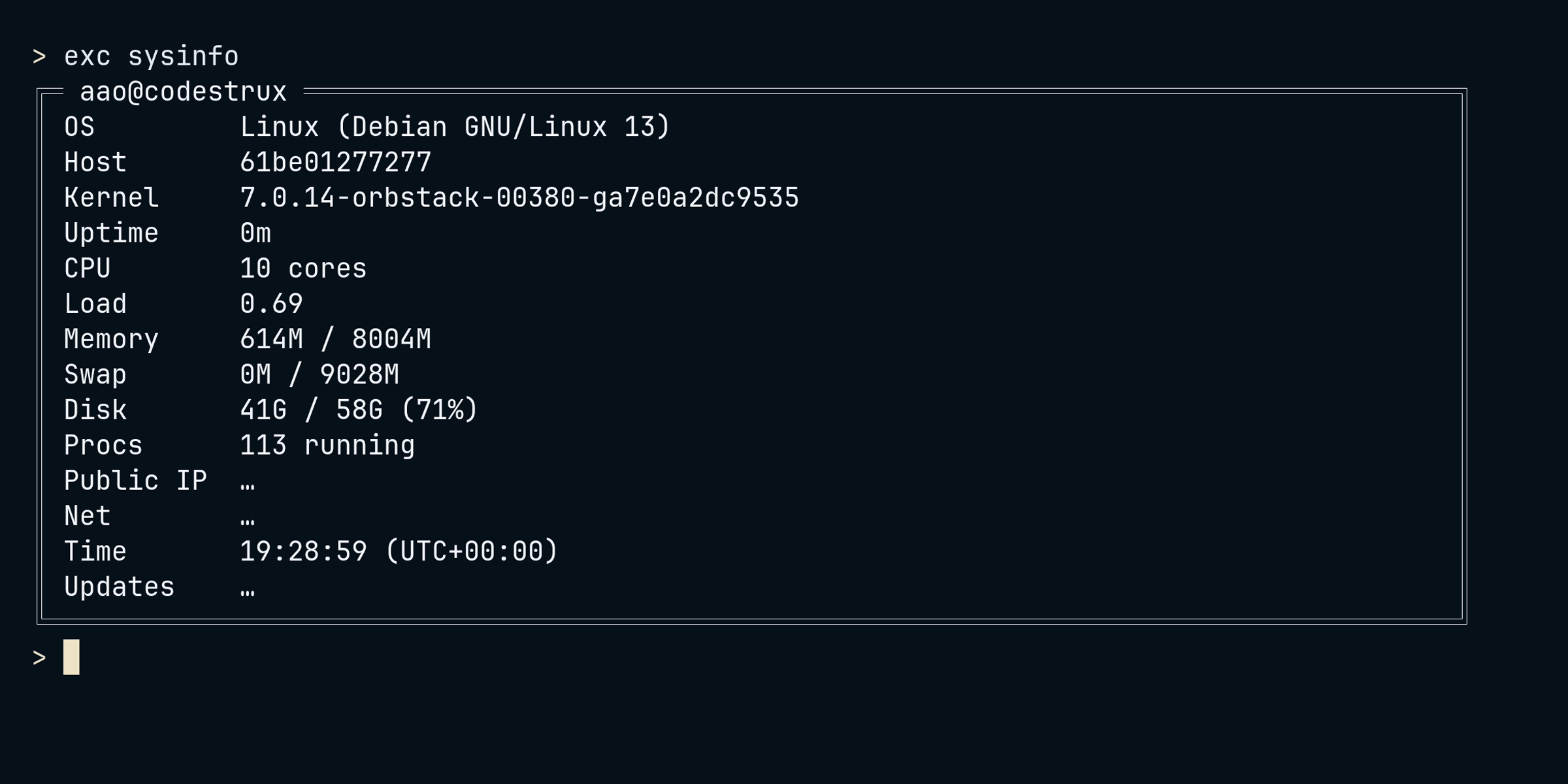
$ exc sysinfo
A host panel in three cost tiers: what is cheap reads synchronously at startup — OS, kernel, uptime, memory, disk, CPU, load, local IP, battery, top processes, GPU. What is slow — public IP, package updates, net throughput — refreshes in the background and patches in without blocking. Underneath, per-platform native APIs: sysctl and IOKit on macOS, /proc and /sys on Linux, kernel32 and PowerShell CIM on Windows.
$ grep -rl unsafe src/
src/hostinfo/platform/macos.rs
src/hostinfo/platform/linux.rs
src/hostinfo/platform/windows.rs
src/hostinfo/platform/macos/iokit_ffi.rs
That is the whole list. The picker, executor, config, and theme layers are safe Rust: ownership and borrowing rule out use-after-free, double-free, and data races at compile time, with no garbage collector at run time. unsafe exists — confined to the OS FFI in the hostinfo platform layer, where the kernel's API leaves no choice. A panic hook leaves the alternate screen and re-enables the terminal, so even a crash cannot wedge your session; errors are typed with thiserror.
$ theme nord
Built-in default, dark, and mono themes, an inline [theme] table or a theme_file, and ten bundled palettes. Six fields — accent, border, text, muted, selected background and foreground — and NO_COLOR is respected.
$ exc man
Bare exc opens the picker; exc <name> runs the first substring match. Subcommands cover the rest — and exc man renders roff from the same clap definitions as --help, so the man page cannot drift from the binary.
exc run·exc list·exc sysinfoexc validate --strict --format jsonexc init·exc man
$ cargo install exc-launcher
Rust 1.95 or newer, edition 2024, MIT licensed. No Rust toolchain on the box? launcher.sh in the repo is a dependency-free bash fallback. The EXAMPLES.md cookbook covers profiles, parameters, and themes.